
Brain-Dump for session notes
Long voice, short structured text. TL;DR, sections, action items — paste-ready for your client file.
Skald for coaches
Three clients in the afternoon. Ten minutes between each one to write what happened, what should be different next time, what you want to revisit. Skald turns those ten minutes into three.
A typical coaching afternoon with Skald — from end-of-session to next-week prep.
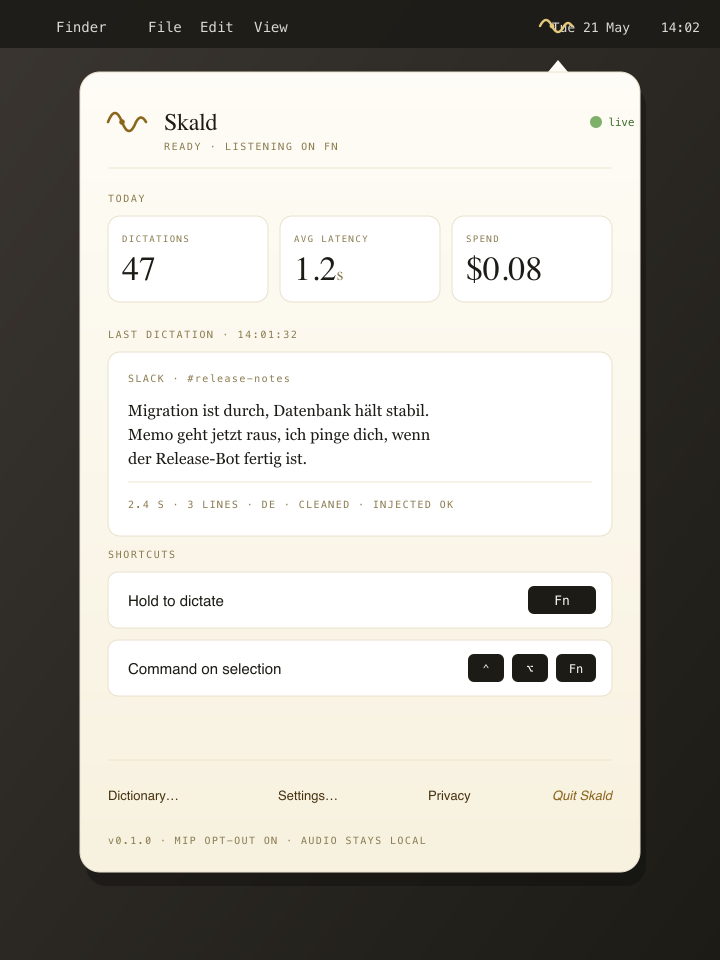
You close the session-room door, open Brain-Dump, and speak freely about what stuck: the two turning points, your own reaction, the homework for next week. Skald returns structured Markdown — TL;DR, sections, action items — that you copy straight into your notes.
You open the notes from last session, scroll, and speak today's prep into them: “For Pia today: pick up the Lisbon trip thread, then revisit her question about trust on the team.” Skald writes your sentence where you want it without making you swap to the keyboard.
An email arrives with a question before the next session. You hit reply, hold the hotkey: “Hi Anna, thanks for the note — happy to dig into this on Thursday. Until then, jot down what you notice about the break structure; that'll help us.” Skald reads Apple Mail, fits the greeting and sign-off into the tone.
Long voice, short structured text. TL;DR, sections, action items — paste-ready for your client file.
In mail context, Skald detects when a formal greeting is needed and adds it where it fits. Informal stays informal; formal stays formal.
Select, speak: “shorter”, “clearer”, “warmer”. The selection is replaced; the rest of the text stays.
Skald runs on macOS and Windows; Linux is in closed beta. The free plan needs no card.