
Dictate for notes
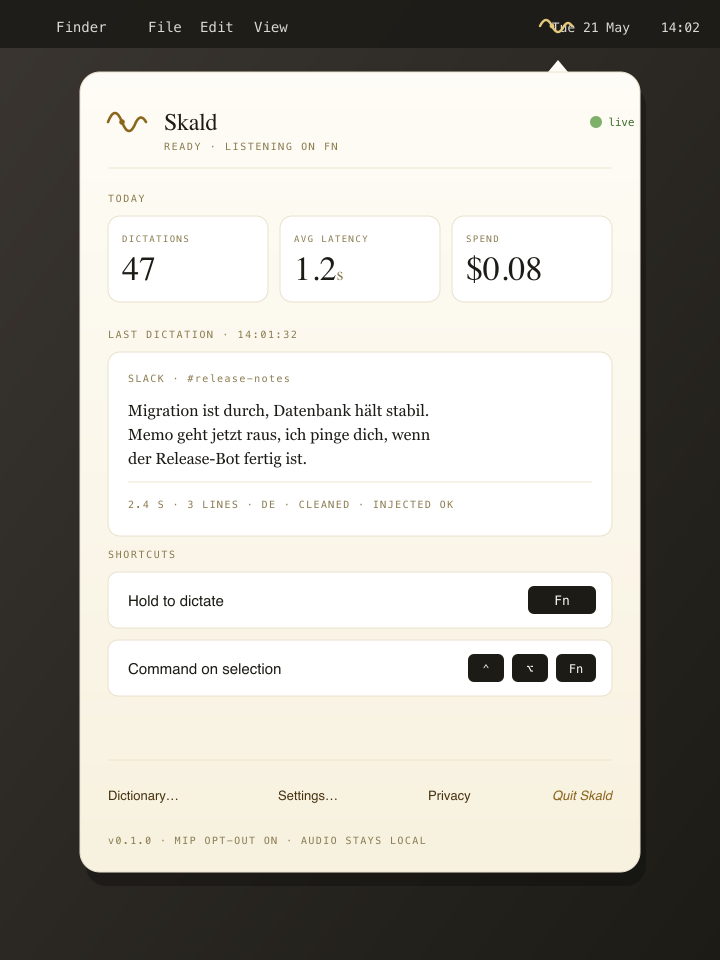
Speak the way you think. Skald turns “um, so what she meant was …” into a clean note sentence without inventing content.
Skald for journalists
Research notes, interview follow-up, the first draft of a piece. Skald writes alongside you while you're still thinking — and respects that you quote sources in different languages.
A day in research mode with Skald — from the recording to the lede.
Source hangs up, your notes editor is open. You speak freely: what she said, which number to question, what angle is forming. Skald gives you clear text — if you quote sources in another language mid-sentence, they stay in that language.
Three tabs open, address bar focused. Hotkey: “Federal Network Agency fibre rollout 2025 quarterly report”. Skald sends your query into the address bar — no typing detour.
Brain-Dump window open, you speak the structure: lede idea, three threads of argument, open fact-check points. Skald returns structured Markdown — TL;DR up top, sections, to-dos. You paste into your CMS and keep working.
Speak the way you think. Skald turns “um, so what she meant was …” into a clean note sentence without inventing content.
Structured Markdown from long-form dictation. Lede, argument, to-dos — paste-ready for your CMS.
Select, speak: “shorter”, “active voice”, “in English”. The selection is replaced; the tone shifts; the substance stays.
Skald is in closed beta. Join the waitlist — we'll get in touch when your role is up next.